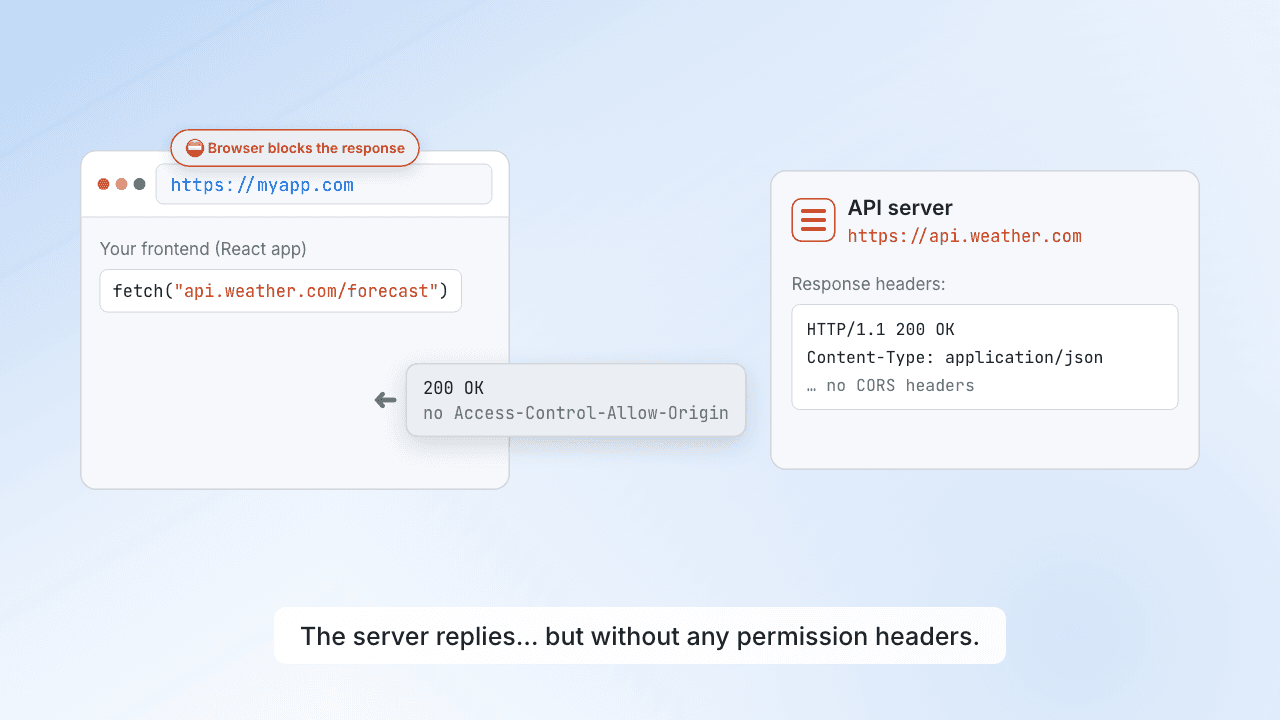
 0:32Why do I get a CORS error?
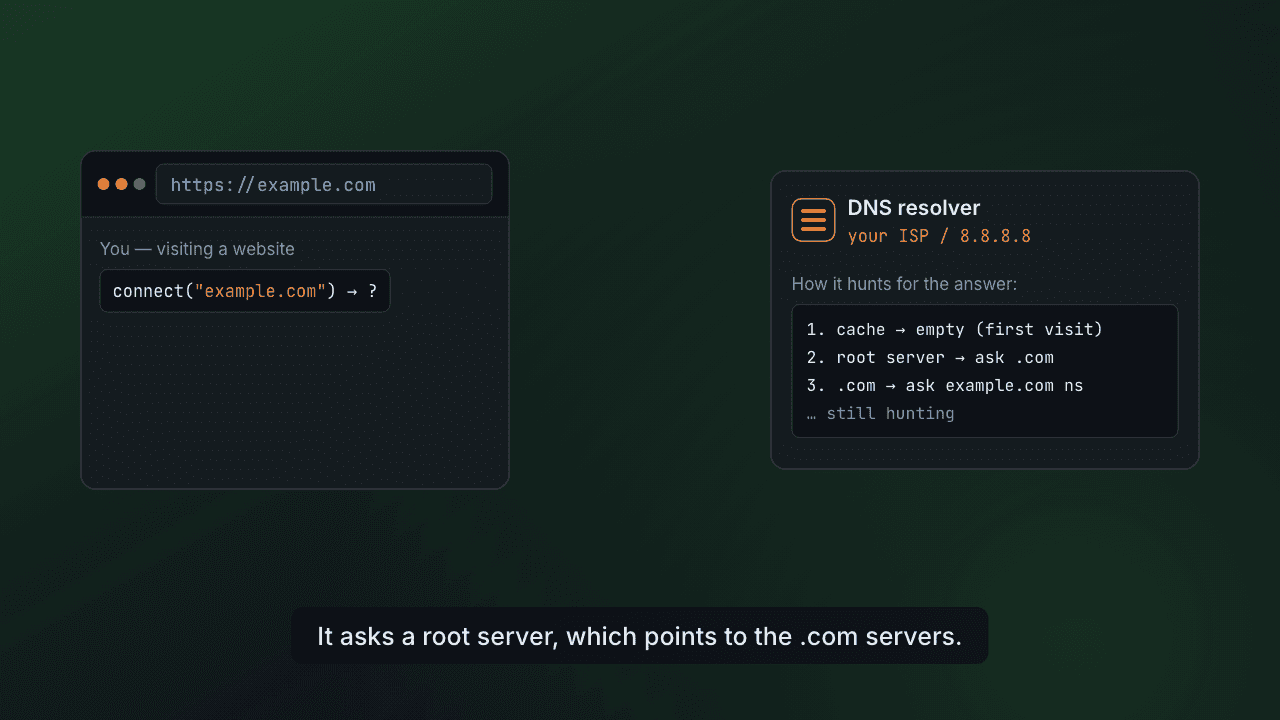 0:32How does DNS work?
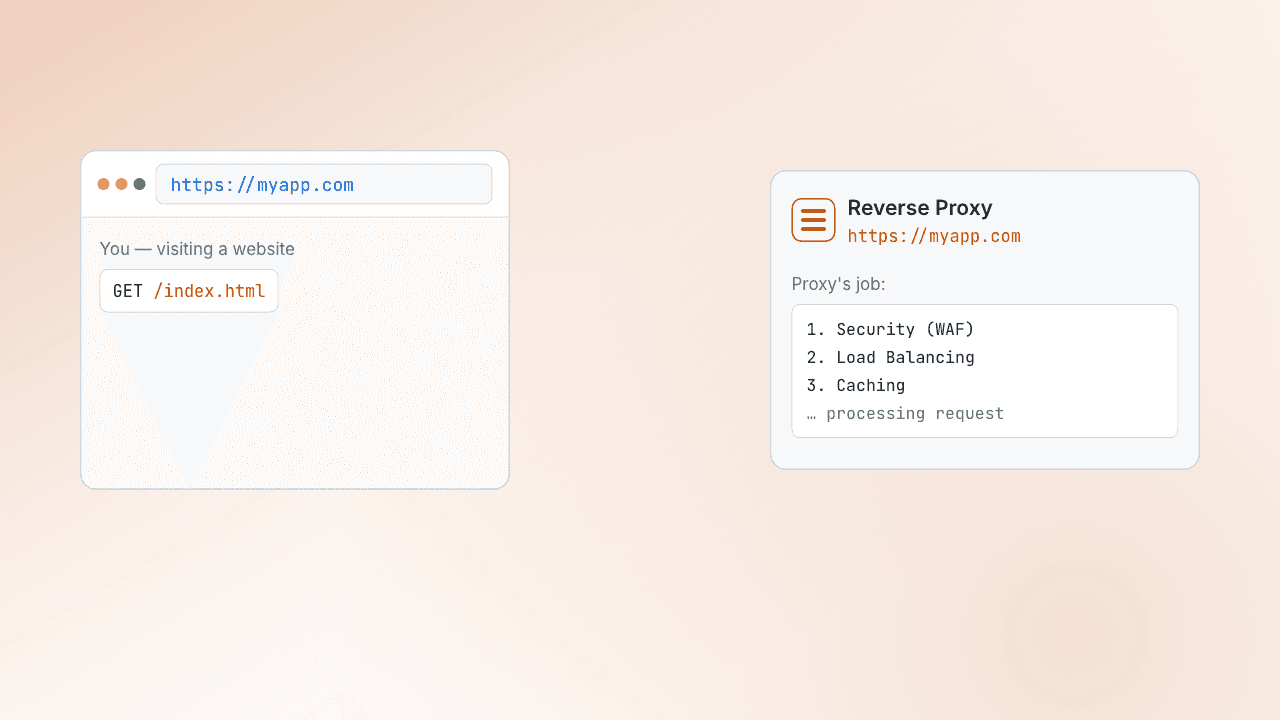 0:32What is a reverse proxy?
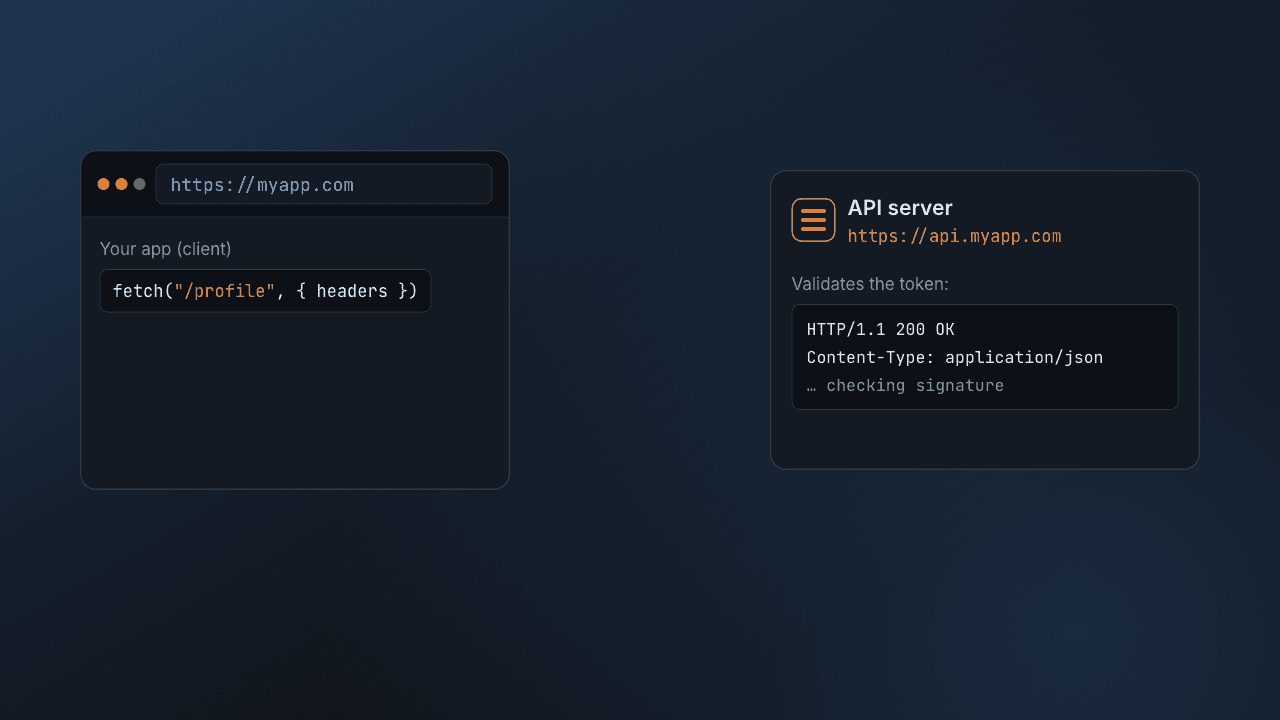 0:32JWT auth, explained
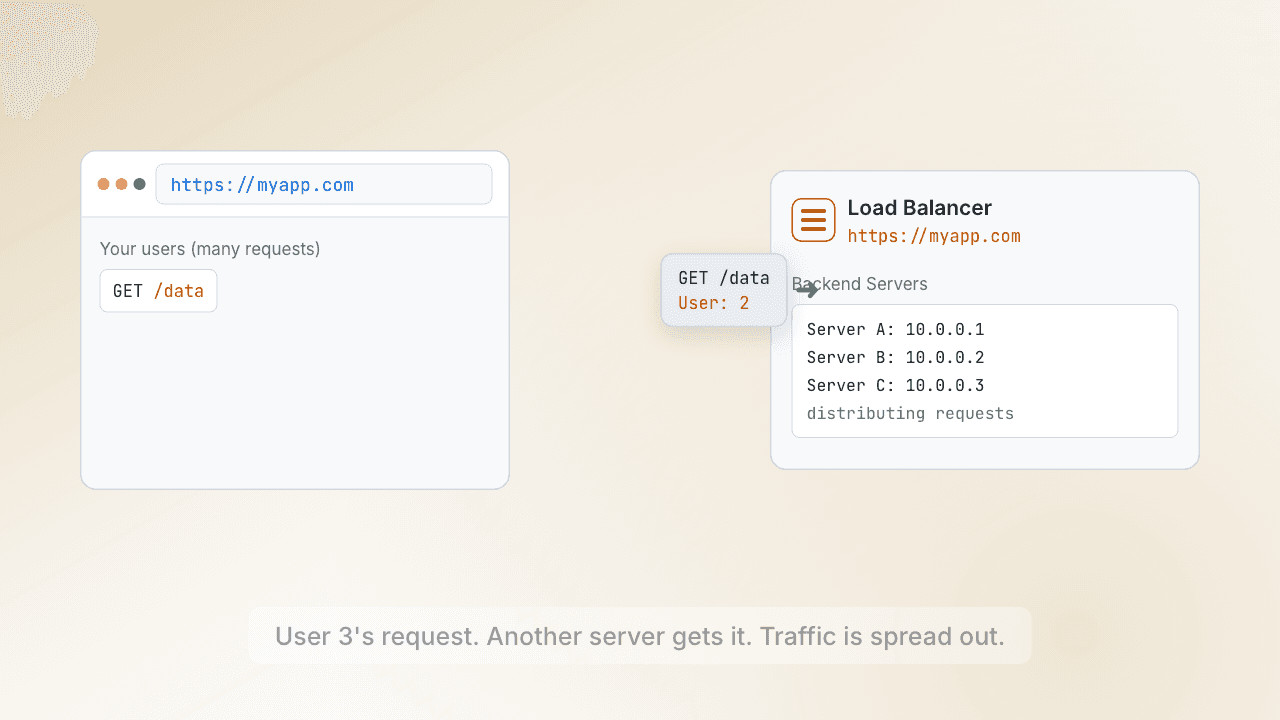 0:32What does a load balancer do?
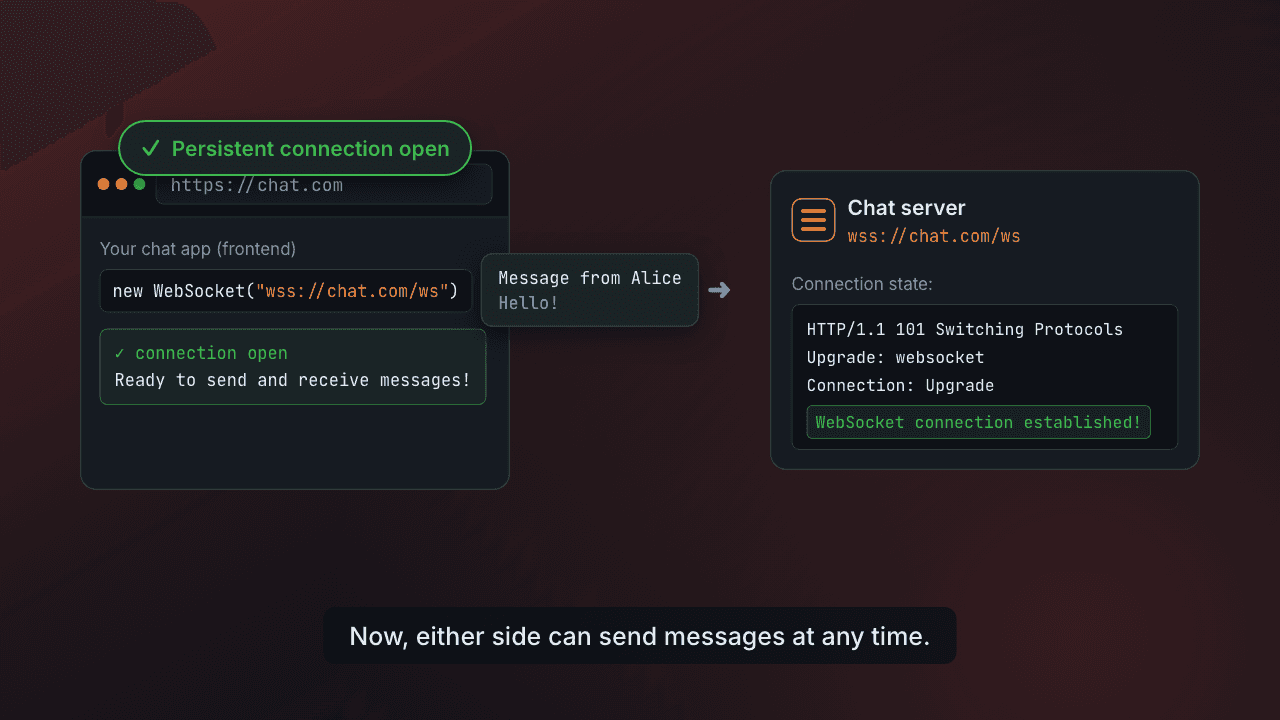 0:32WebSockets: staying connected
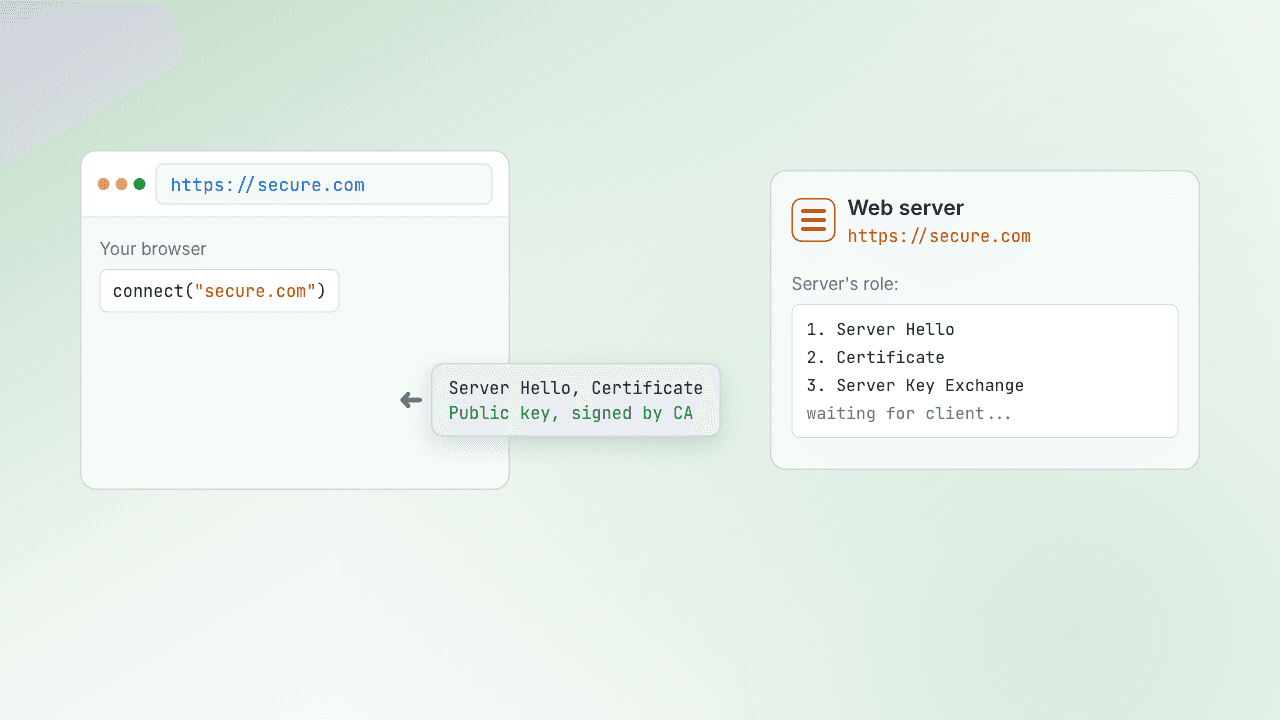 0:32Inside the TLS handshake
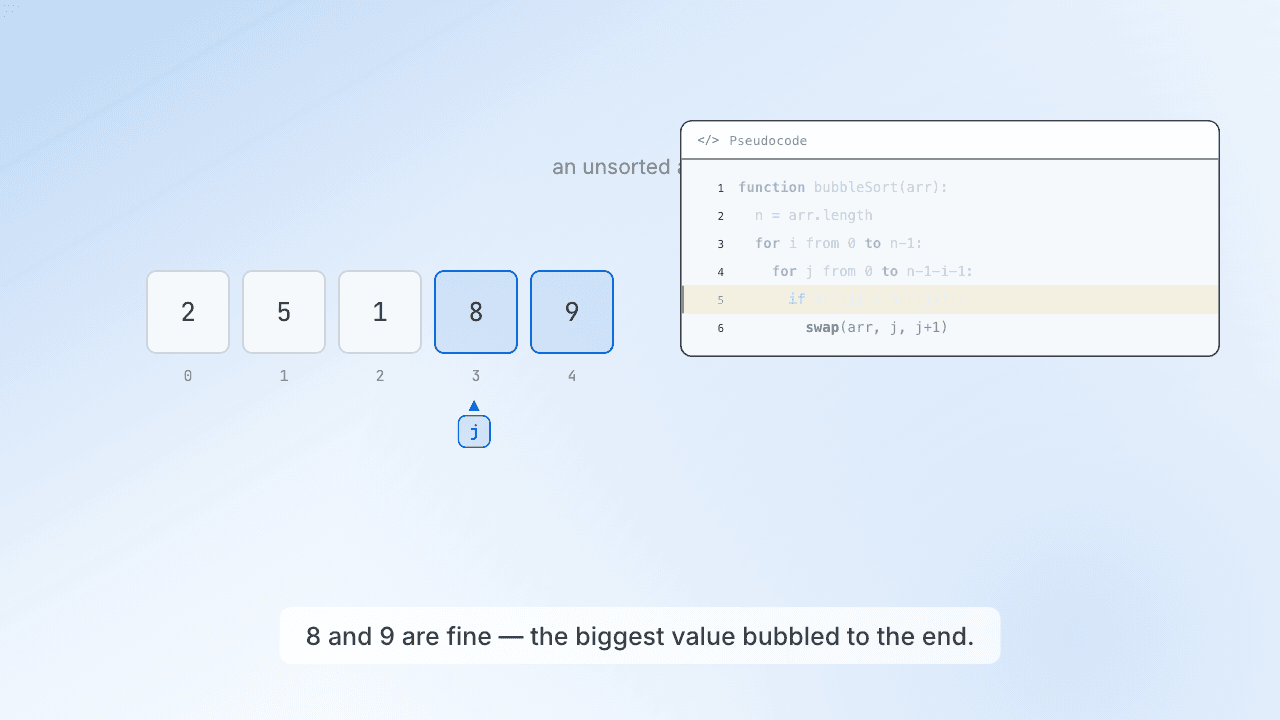 0:32Bubble sort, step by step
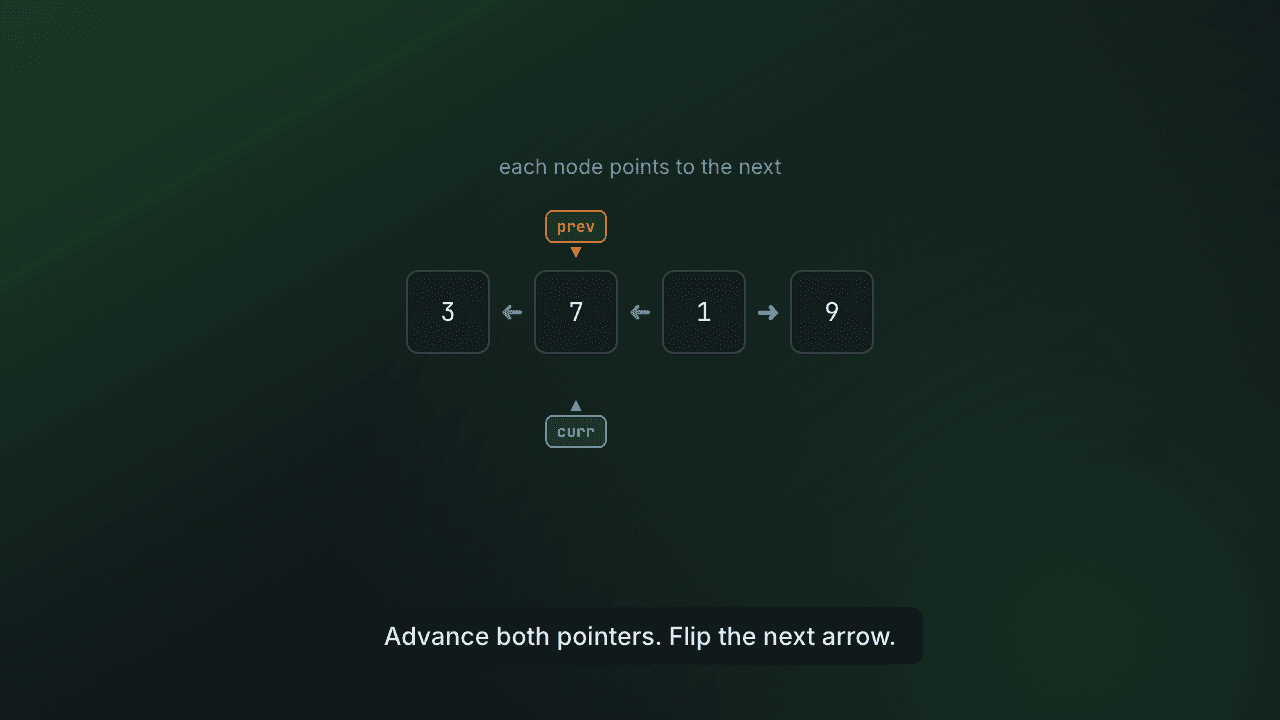 0:32Reversing a linked list
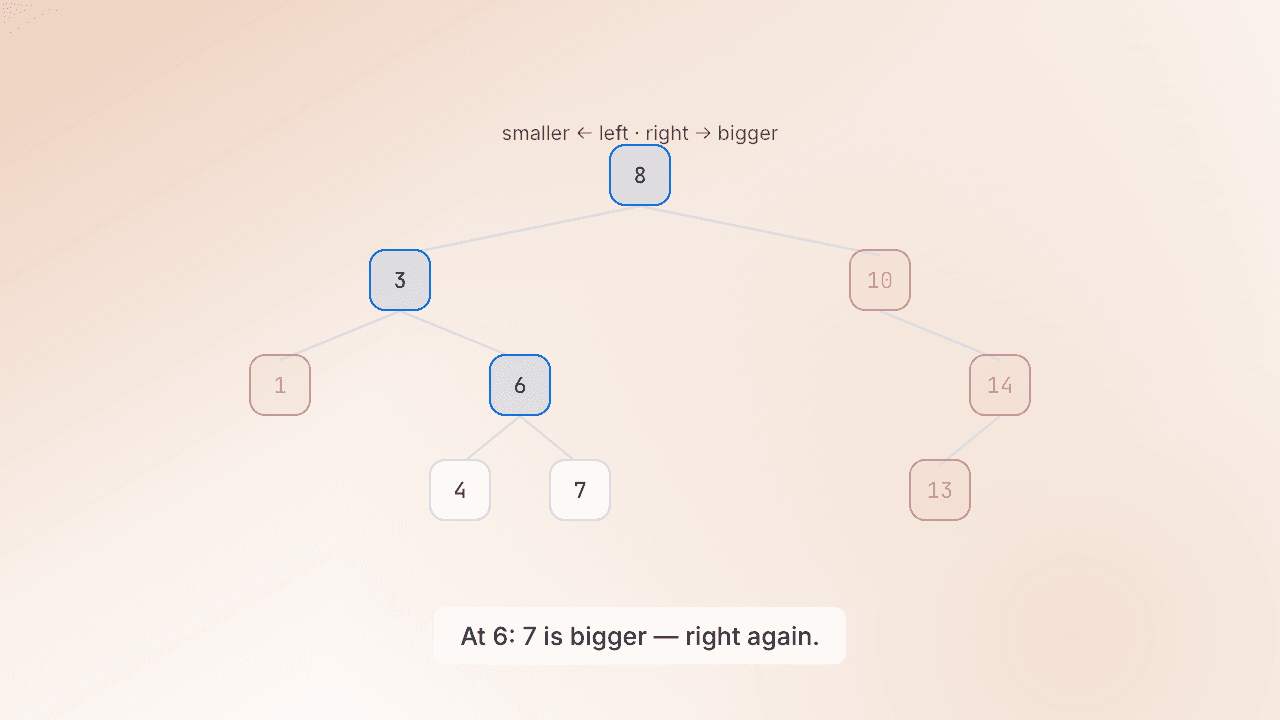 0:32Finding a value in a BST
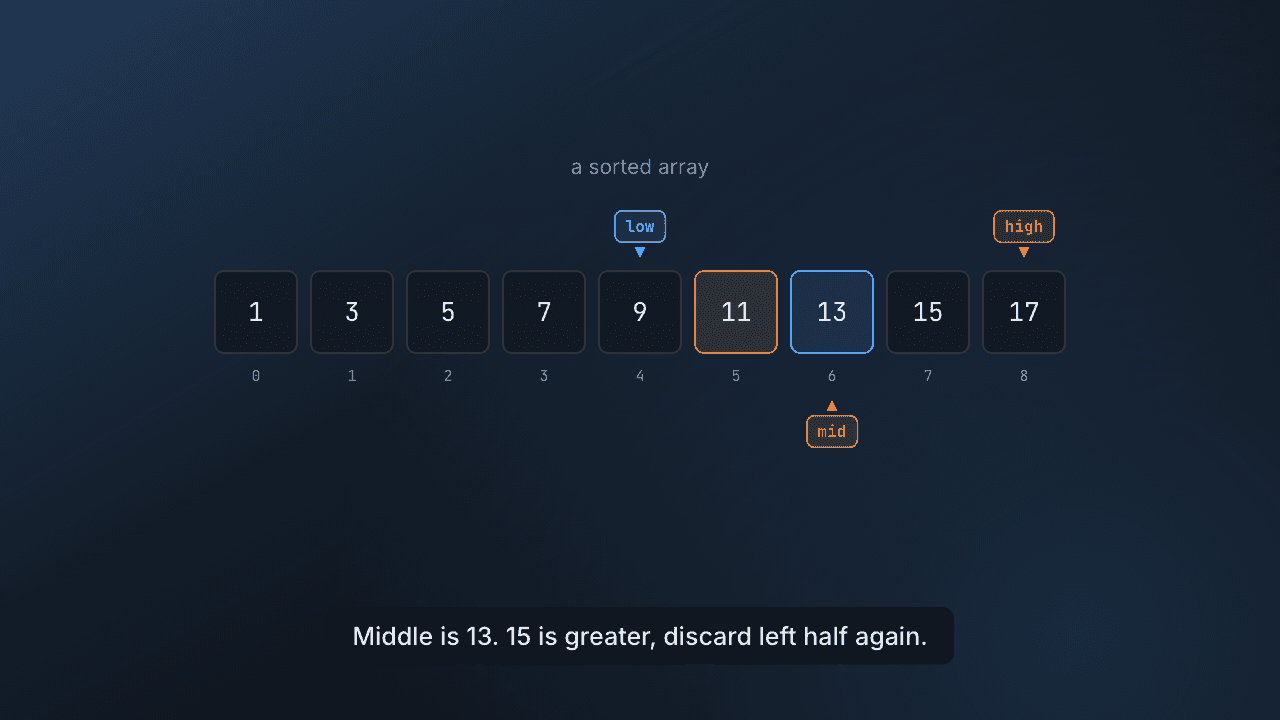 0:32Binary search, explained
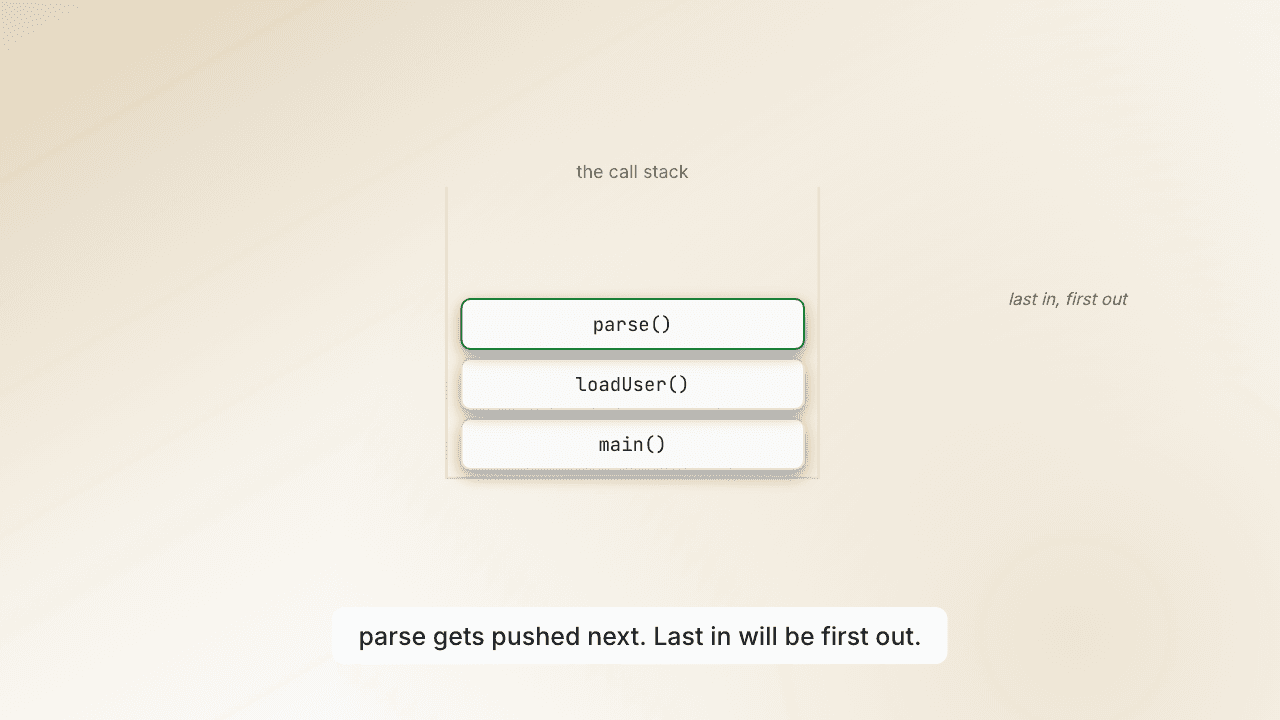 0:32What is a stack?
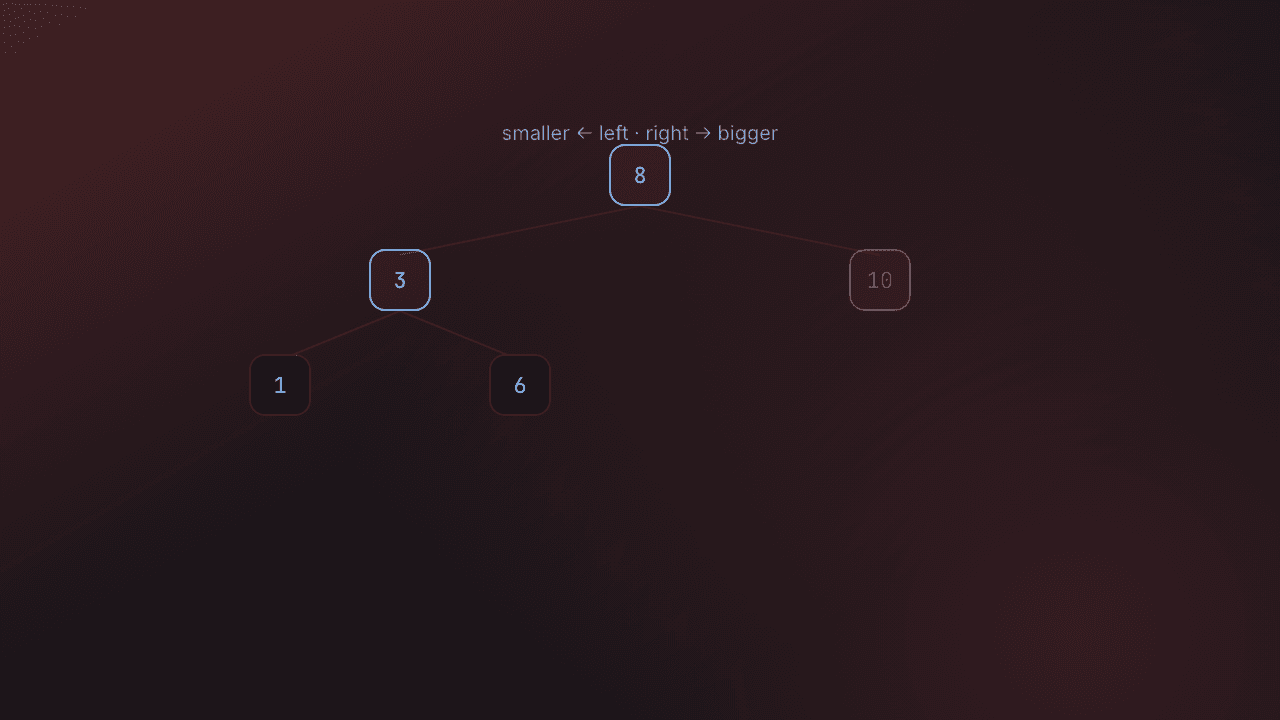 0:32Inserting into a BST
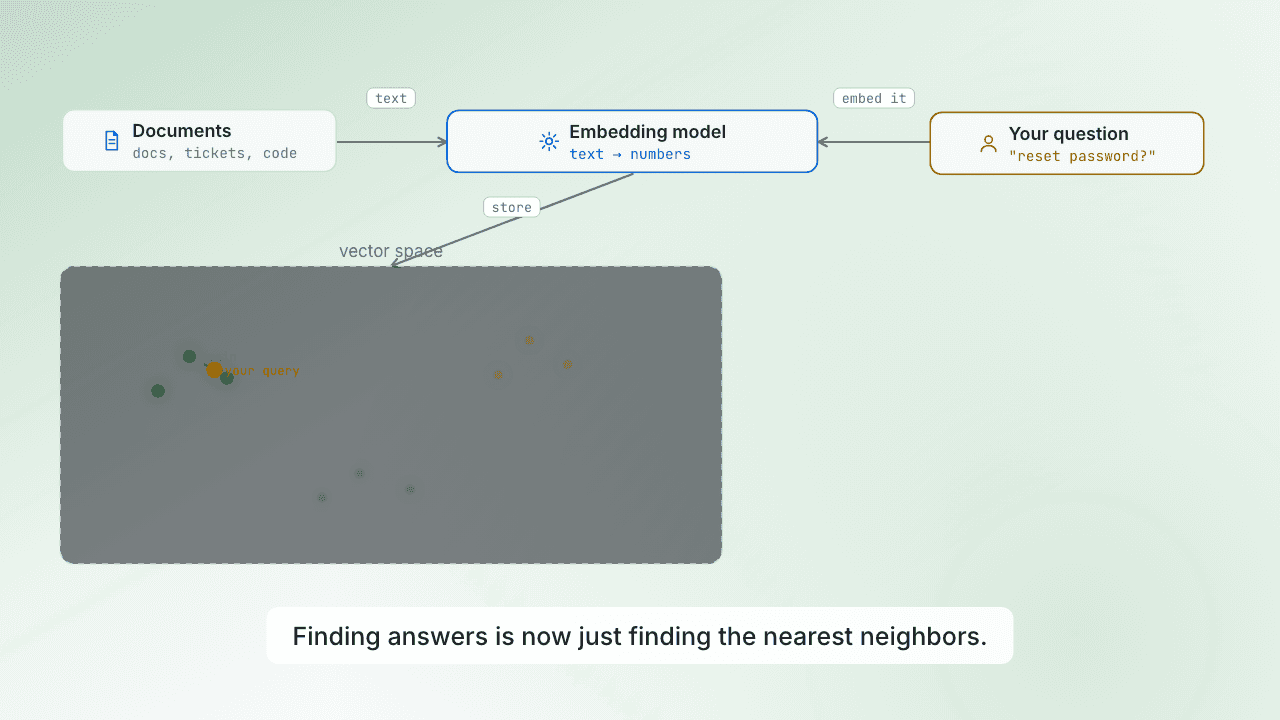 0:32What is a vector database?
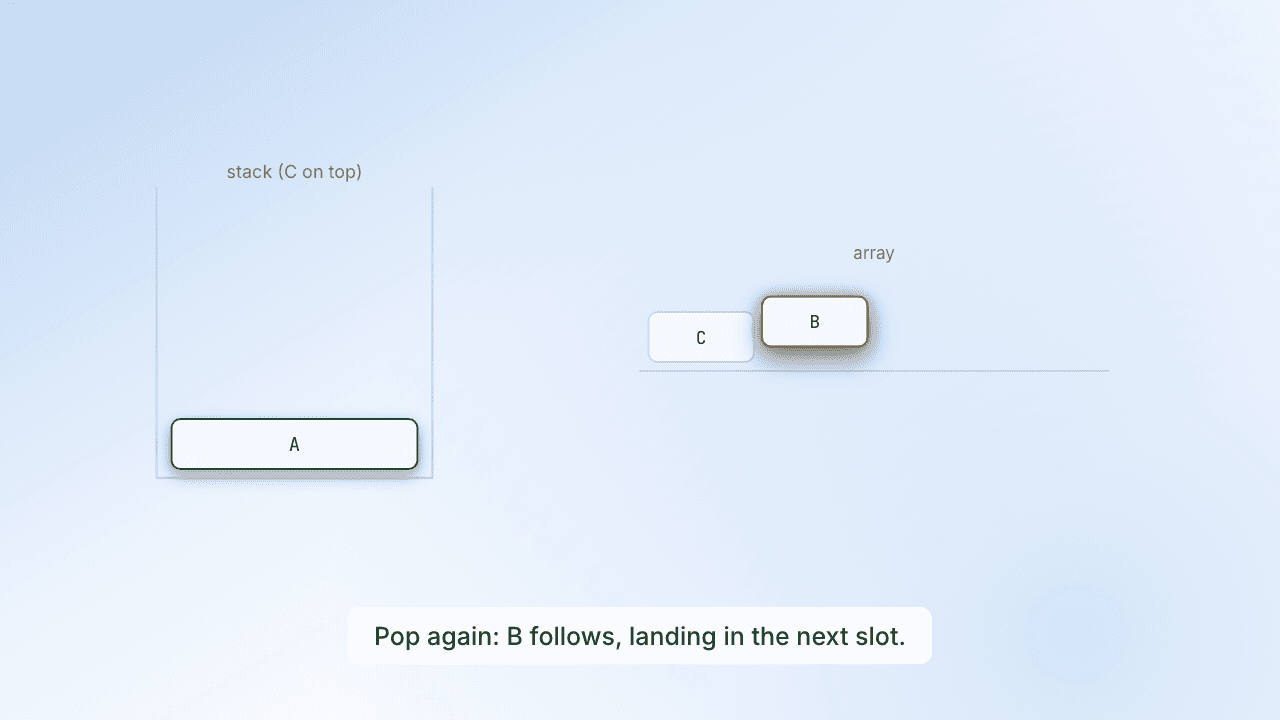 0:32Reverse a stack with an array
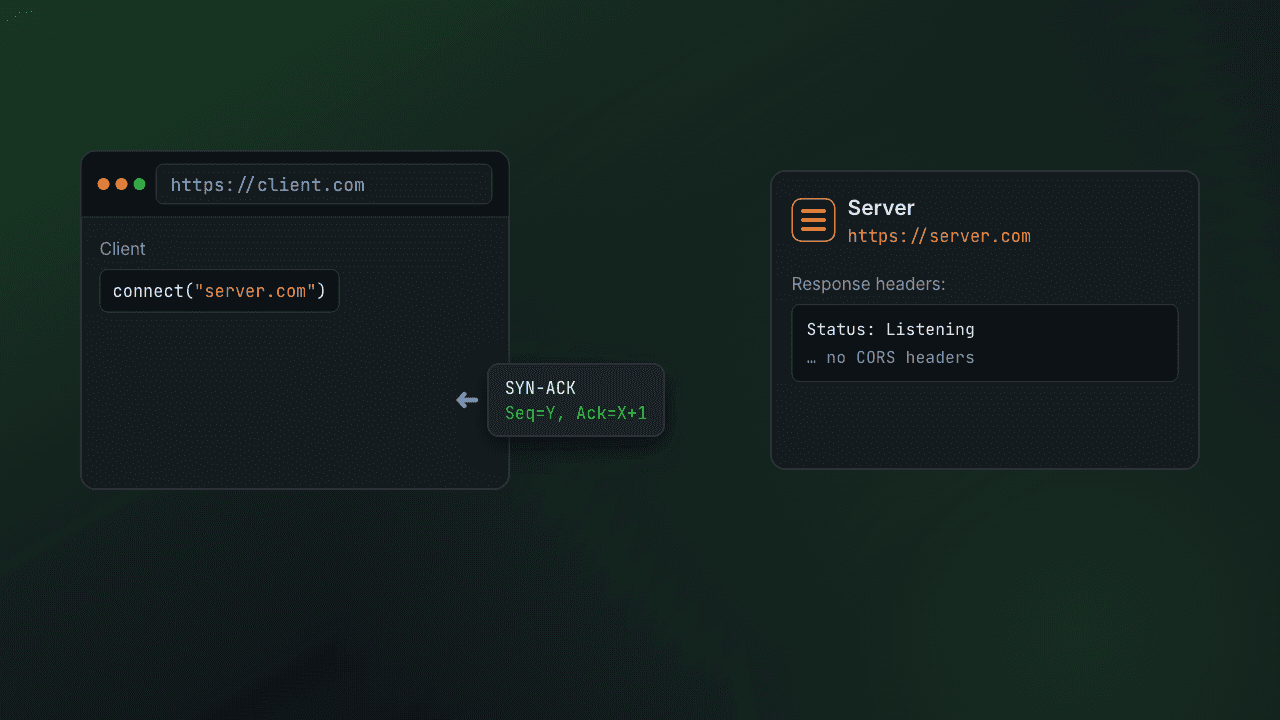 0:36The TCP 3-way handshake
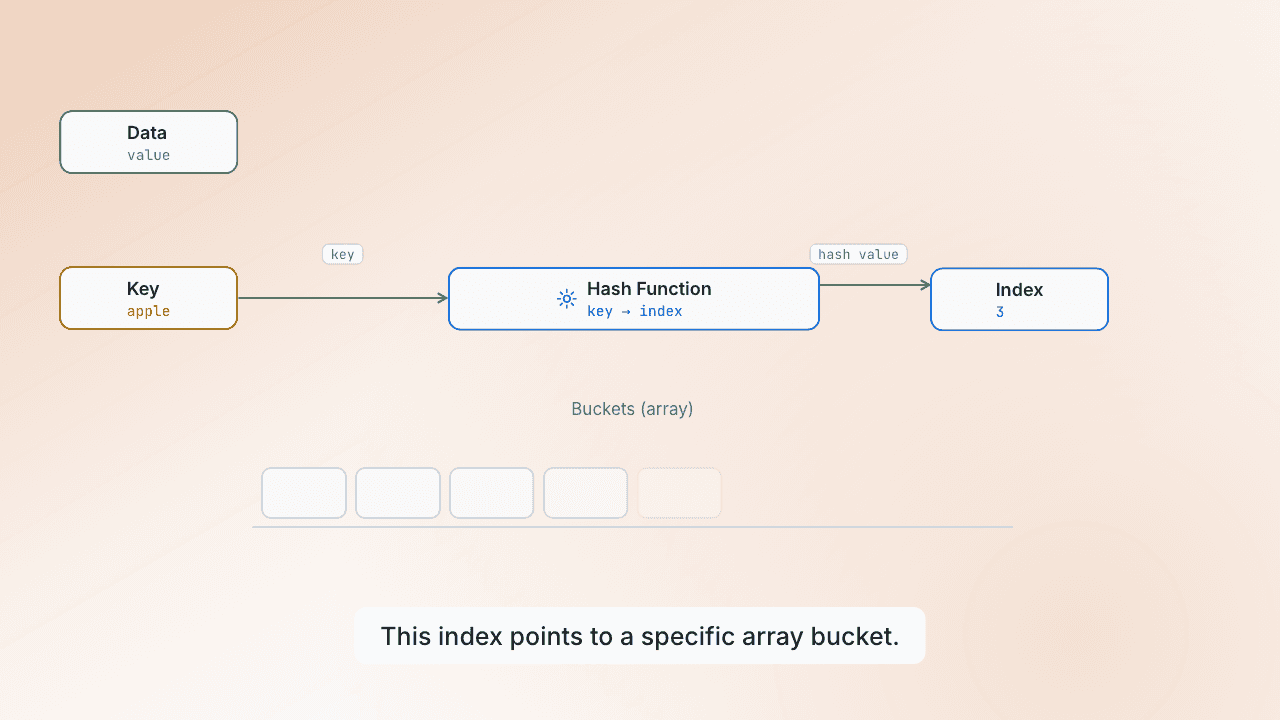 0:40How does a hash map work?
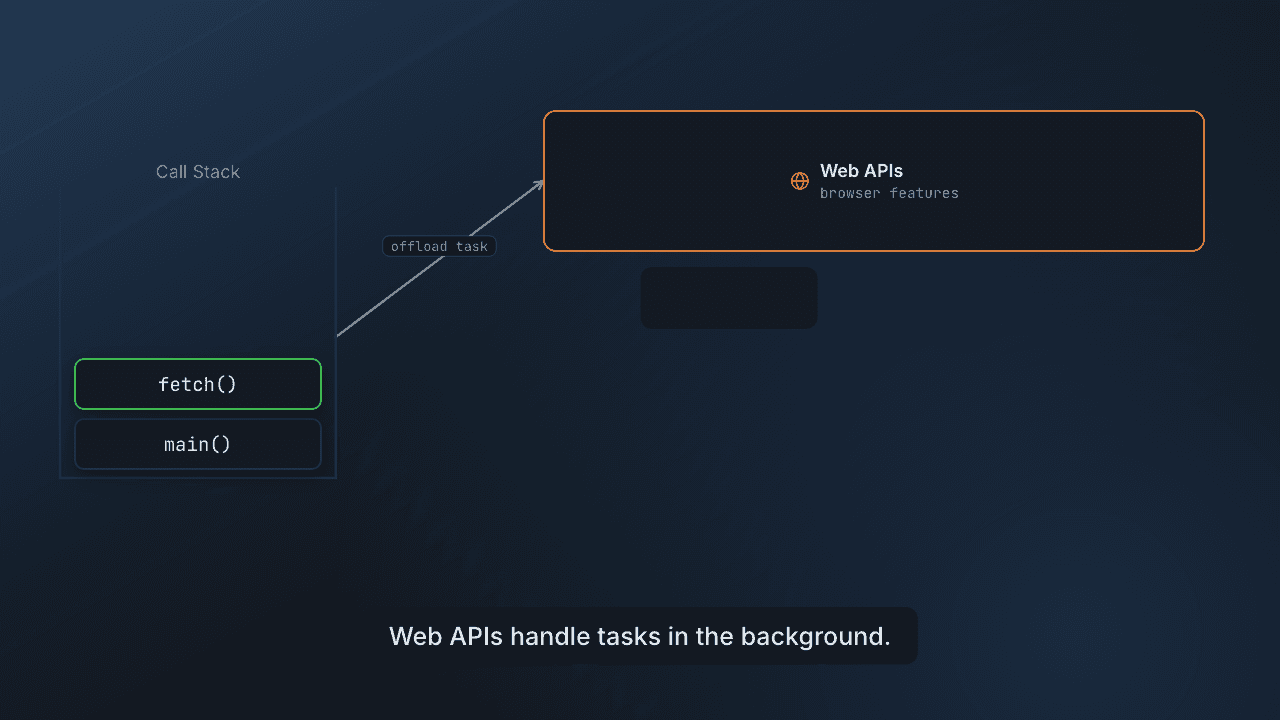 0:40The JavaScript event loop
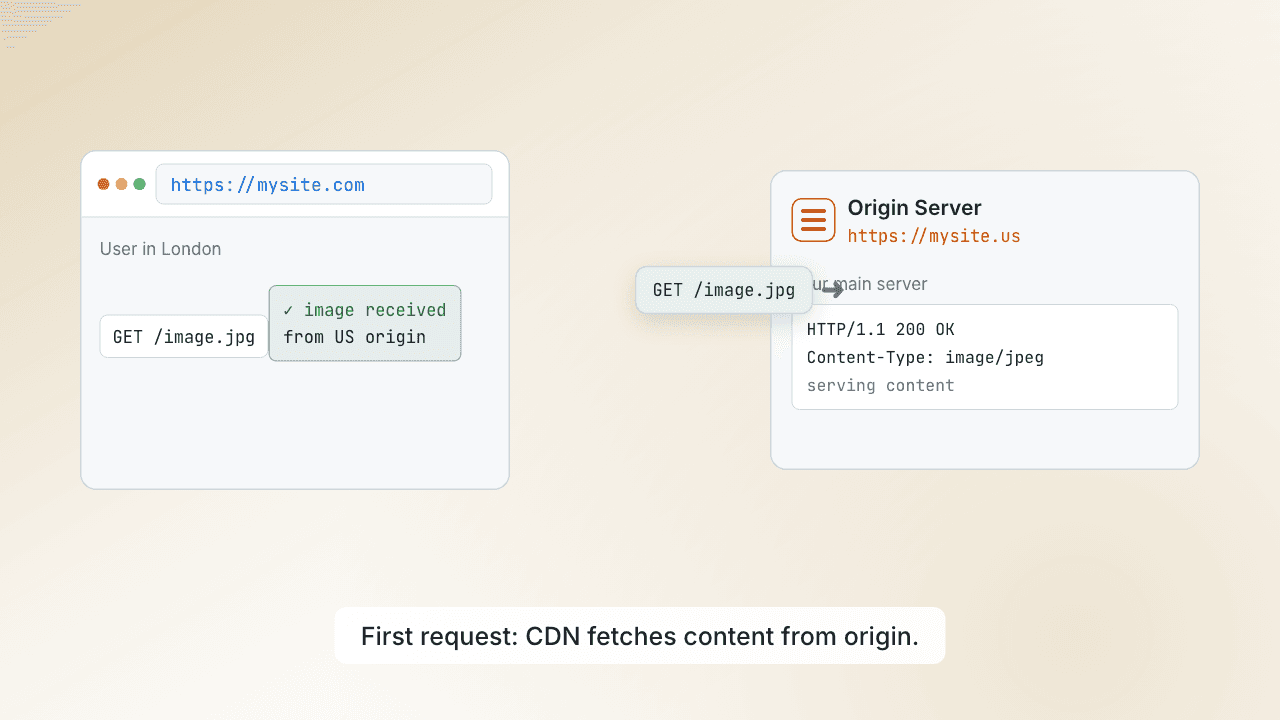 0:36Why a CDN makes sites fast
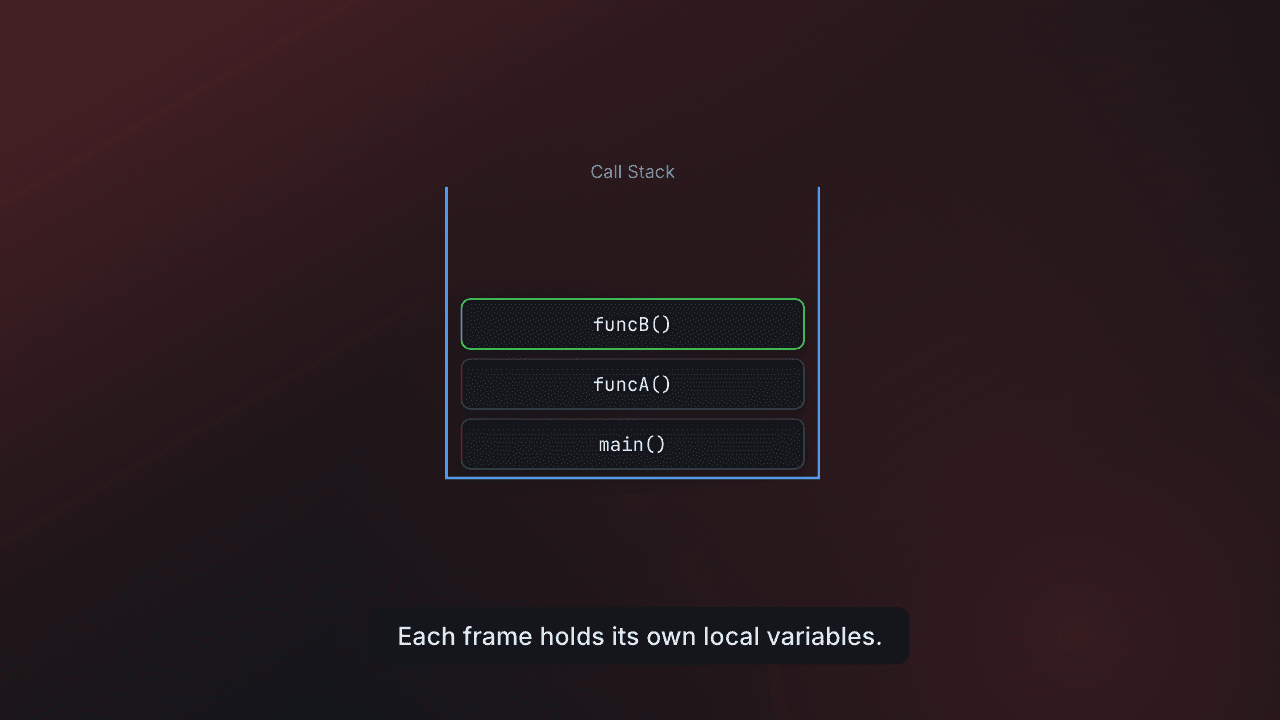 0:40Recursion and the call stack
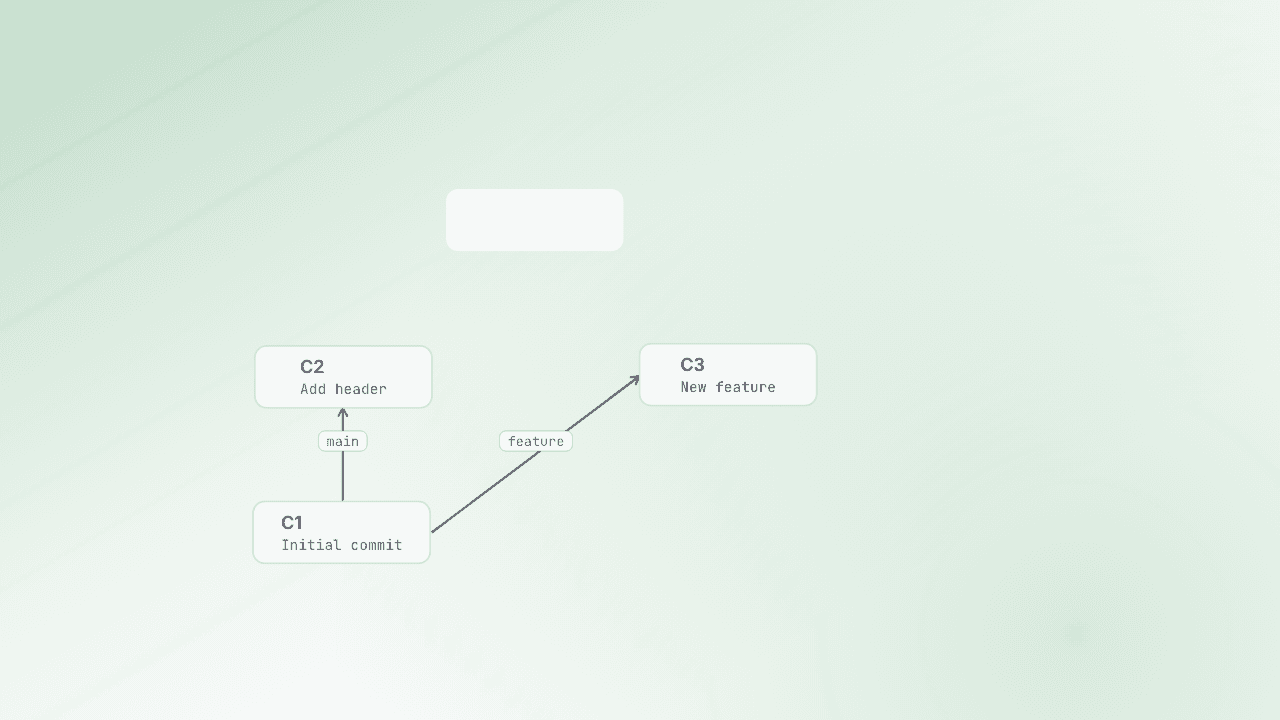 0:40What happens in a git merge?
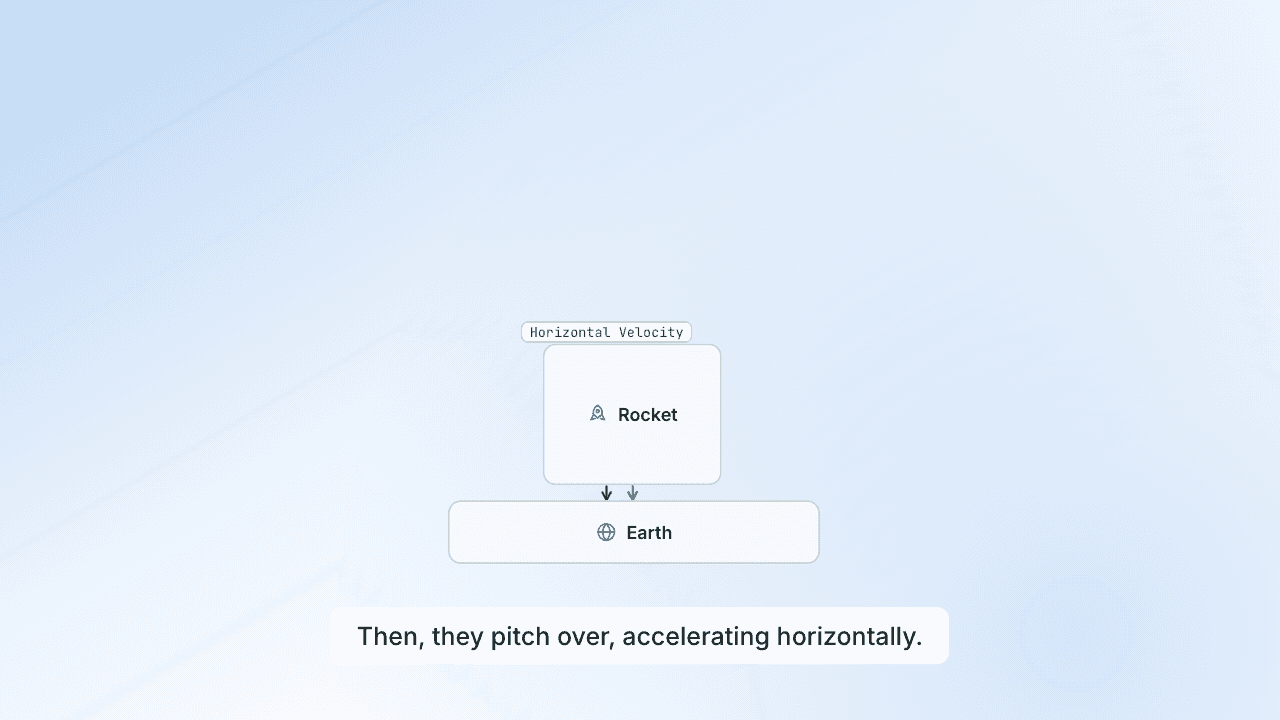 0:40How do rockets reach orbit?
Who it's for
However you want to learn.
Type anything you want to understand. Watch it become a short, narrated video, with the notes right below.
Finally understand any tech concept
Type a concept and watch the real mechanism animate in seconds, with the written notes right below it.
Understand almost anything
Money, science, history, languages. Whatever you're curious about becomes a short video that just clicks.
Explainers for creators and teachers
Make a video on any topic, saved to your dashboard and ready to share in your own content.
Pricing
Learn for free. Go deep for $9.
Most popular
Pro
$9/mo
Billed monthly · cancel anytime
For regulars — 30 videos a month, for when you're learning a lot.
- 30 videos a month
- AI voiceover on every video
- Paste a long text → 1 video per ~3 min, total shown before you start
Free
$0
No card, no catch
5 videos to learn a concept fast — yours to keep.
- 5 videos to start
- AI voiceover on every video
- Paste a long text → 1 video per ~3 min, total shown before you start
FAQ
Your questions, answered
SeaThru is an AI learning tool that turns any topic into a short, animated explainer video. Type something like 'how DNS works', 'what is compound interest', or 'why is the sky blue' and watch it explained visually in seconds, right in your browser.
You type a concept and SeaThru's AI writes and animates a roughly 30-second explainer that plays instantly — no downloads and no rendering wait. You watch the idea move instead of reading a wall of text.
Yes. The free plan gives you 5 videos to start (with AI voiceover on every one), and they're yours to keep. Pro is $9 a month for 30 videos a month.
Almost anything — money, science, history and languages, plus deep technical topics like DNS, TCP/IP, HTTPS, databases, data structures and algorithms, system design, OAuth, Docker, caching, CDNs and load balancers. If you can ask it, you can watch it.
A typical tutorial runs 15 to 25 minutes. SeaThru gives you the core mental model in about 30 seconds — animated, narrated, and generated on demand for the exact concept you searched, not a fixed playlist you have to scrub through.
Yes. Every SeaThru video includes an AI voiceover that walks you through each step, on both the free and Pro plans.
Very. You can refresh system design topics and data-structures-and-algorithms concepts in seconds, so you cover ten ideas in the time a single long video would take.
Yes. Search topics like load balancers, message queues, caching, CDNs and reverse proxies to see how the pieces fit together visually, which is exactly how system design clicks.
Most explainers run about 30 to 90 seconds — long enough to make the concept click, short enough to fit between tasks. You can also paste a longer text (an article, a report, a chat answer) and SeaThru builds a full chaptered video from it, as long as the text needs.
A regular topic video always counts as 1 video. When you paste a long text, SeaThru builds the video in ~3-minute parts, and each part counts as 1 video from your plan. Before anything starts you see the exact total — for example 'uses 8 of your 30 videos' — and nothing is used until you press Start. If a part fails, it is never counted.
No. SeaThru runs entirely in your web browser and plays instantly. There is nothing to download, install, or set up.
Videos are generated from a tightly constrained visual format grounded in hand-checked examples, so they are built for technical correctness. For anything critical, it is still smart to verify against the primary documentation.
You can already share any video's link with students or new hires. Dedicated team features — seats and private libraries — are on the way; join the waitlist to get early access.
Yes. Paste any text, including a ChatGPT or other AI chat answer, and SeaThru builds a narrated, chaptered explainer video from it.
Yes. Paste the response and SeaThru animates and narrates it as a video you can watch and share.
Yes. Paste an article, blog post, or report and SeaThru splits it into chapters and explains each part visually.
Yes. Paste the document's text and SeaThru generates a full chaptered explainer from it.
Yes. With pasted text, SeaThru builds a multi-chapter video as long as the material needs, so a long explanation becomes something you can watch instead of read.
Yes. Paste the article and SeaThru turns it into a visual summary you can watch in minutes.
Yes. Paste study notes or a summary and get a narrated visual explainer built from them.
Yes. Videos built from pasted text are organized into chapters you can jump between, so long topics stay easy to navigate.
Yes. SeaThru is an AI explainer-video generator that turns a topic or pasted text into an animated, narrated video that plays instantly.
Yes. SeaThru's free plan lets you create explainer videos at no cost — 5 to start, each with AI voiceover.
Videos up to five minutes can be downloaded as an MP4; longer paste-text videos are watch-and-share by link.
Yes. Every video is private and link-only by default, and it only appears in the public Explore library if you choose to publish it.
Yes. Every video has a shareable link you can send to anyone, and they can watch it in the browser.
You sign in with Google to start creating, which keeps your videos saved to your library.
Yes. You don't edit anything — SeaThru writes, animates, and narrates the video for you from a topic or pasted text.
Yes. Topics like recursion, data structures, algorithms, and system design are shown step by step so the logic is easy to follow.
Yes. Physics, biology, chemistry and more are animated visually so the idea clicks faster than reading about it.
Yes. Generate quick visual explainers for any concept to revise fast, and paste your notes to turn a whole chapter into a video.
Yes. It can break down grammar and language concepts visually, which makes the rules easier to remember.
Yes. SeaThru turns complex ideas into simple, animated visuals that anyone can follow, no background required.
Start learning the wayit finally clicks.
Type a question, watch it explained in seconds. Your first videos are free.